Emulating Right-Click with a One-Button Mouse or Trackpad
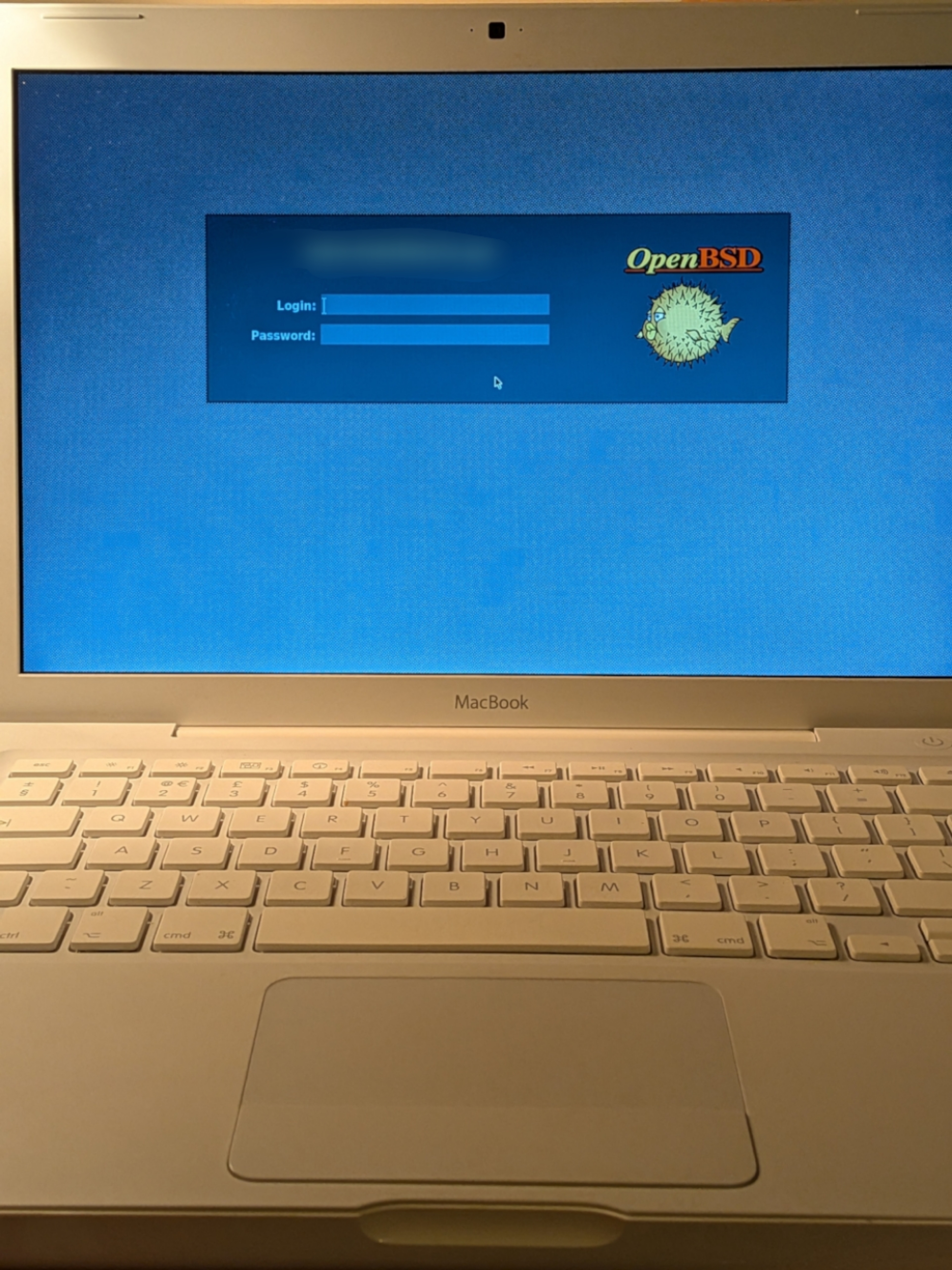
Older Macintosh models usually shipped with a one-button mouse. In fact, in a way, Apple computers still do: only that the older Ctrl-Click combination for it has now changed to two-finger click or long tap on the swanky force-feedback glass-topped totally-not-a-touchscreen type trackpads.
This causes a bit of a difficulty in most applications, as X11 / xenocara, by default, expect that BOTH right and middle mouse buttons would be available.
It is relatively easy to emulate a right-click, or to bind Ctrl-Leftclick as “rightclick” in X11. The below workaround will not work in the console, ie. outside of an x11 environment.
Packages to install
You will need:
- xdotool (this should be in base)
- xbindkeys (available via pkg_add)
Configuration
Generate an .xbindkeysrc file in your $HOME folder using xbindkeys:
$ xbindkeys -d > ~/.xbindkeysrc
Then, using your $EDITOR, add these two lines to it:
"xdotool click 3"
Control + b:1
Finally you just want to make sure that xbindkey is started on login. Usually this is done by adding it to your $HOME/.xsession file:
exec /usr/local/bin/xbindkeys
If using other Display Managers like MATE, you may have to specify it from its own “Settings” type program. E.g. on MATE this is under “System > Control Center > Startup Applications”. Just click “Add” and type “xbindkeys” as the command.
